Descript vs Vrew comparison
Compare Descript and Vrew in Video item by item — price, plans, specs, Korean support, and commercial-use availability. In the table below, use Show differences only to filter to just the differing rows.

The AI video editor you edit like text
An all-in-one editing tool that lets you polish video and podcasts by editing the transcript like a document, with AI features such as Overdub and automatic filler-word removal.
Edge vs. similar tools: Its standout difference is a workflow where you edit video by changing the transcript text instead of a timeline.
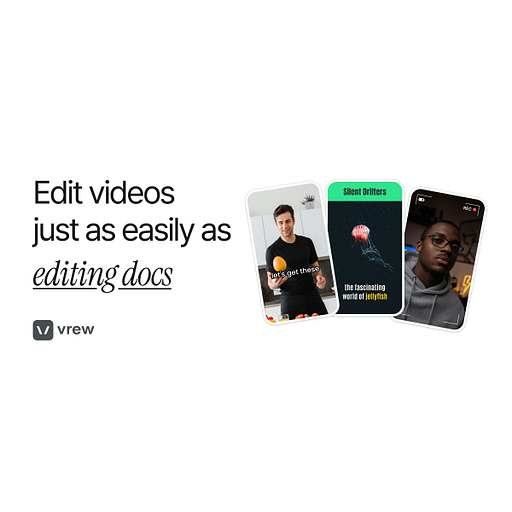
An AI video editor where you edit through subtitles
A Korean-made AI video editor that automatically recognizes speech to generate subtitles and lets you trim video by editing text like a document.
Edge vs. similar tools: Industry-leading Korean speech recognition paired with subtitle-based editing.
Item-by-item comparison
Pricing
- Free plan
- Yes
- Cheapest paid
- from $24/mo
- Plans
- 4
Specs
- Max resolution
- 4K
- Watermark
- Free plan only
- Multilingual dubbing
- Supported
- Auto subtitles
- Supported
Cross-cutting
- Korean
- Not supported
- API
- No
- Commercial use
- Allowed
Pricing
- Free plan
- Yes
- Cheapest paid
- from $7.17/mo
- Plans
- 4
Specs
- Max resolution
- 1080p
- Watermark
- None
- Multilingual dubbing
- Supported
- Auto subtitles
- Supported
Cross-cutting
- Korean
- Supported
- API
- No
- Commercial use
- Allowed
Descript vs Vrew: which should you choose?
- Descript and Vrew can be started for free, so you can see the results first without signing up.
- If a Korean environment matters, Vrew has the edge (Korean UI).